Remote CAD Setup: 7 Ways to Work With CAD Outside the Building in 2026
Remote CAD Setup: 7 Ways to Work Outside the Building (2026)


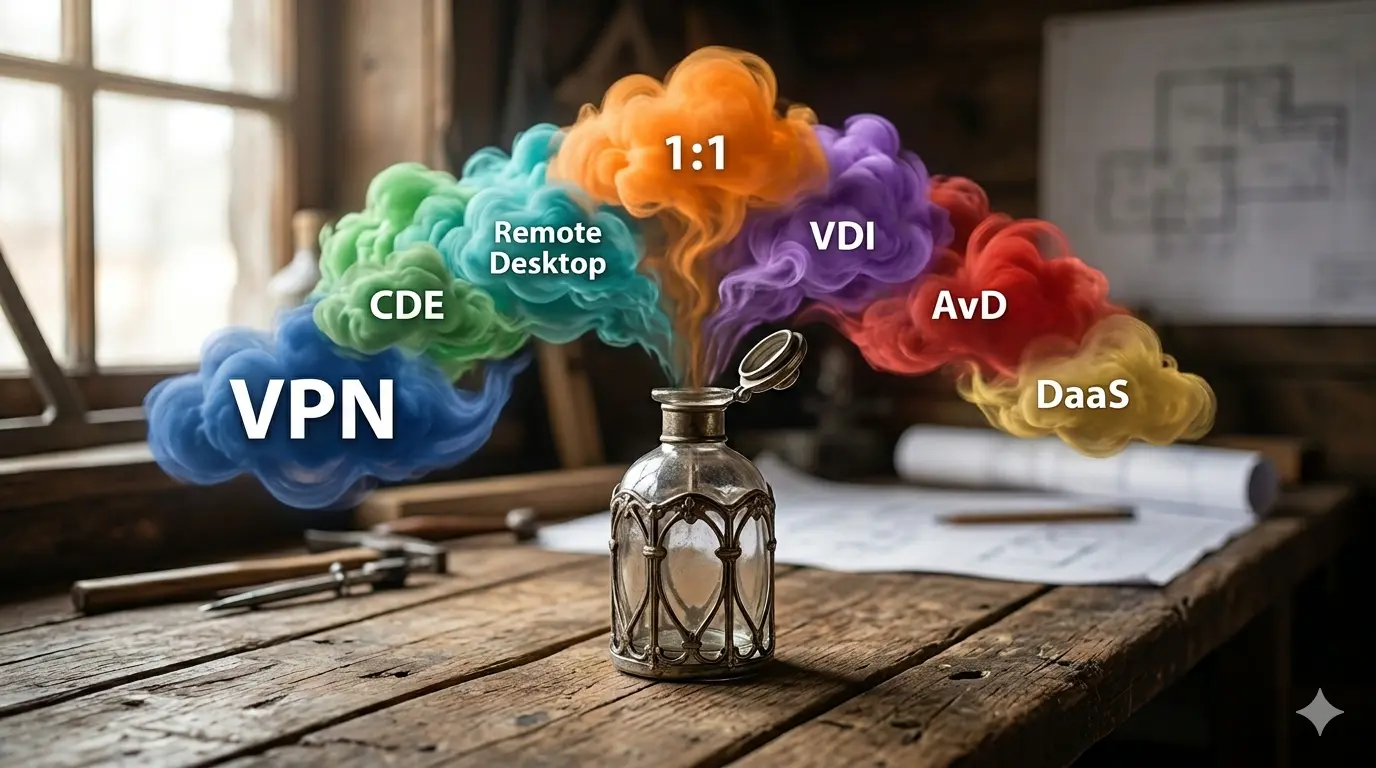
The genie has been out of the bottle for a few years. Since the massive remote work exercise — commonly known as the Pandemic — in the early 2020s, the question has shifted from “if” architects work remotely, to “how”. And yet, today, time and technology have stood still. The stopgap measures have been kept in place. It’s time to revisit them.
Six years on, most architecture firms still run remote CAD on whatever was assembled in a weekend in March 2020. A VPN. A laptop meant to be temporary. The Monday-morning ritual of walking a senior partner through how to "RDP" into her desk machine. They worked at the time. They were never meant to last.
The sudden rush to work from home was the trigger. But there are better and bigger reasons for remote CAD setups. The second office. The freelance drafter starting Monday. The consultant on a confidential project. The senior architect commuting from another city. And in 2026, the exploding cost of workstations. Working from home is just the most familiar version of the question.
What follows is an overview of what’s available in 2026. Seven ways to work with CAD outside the building, ordered from tinker-with-vpn to done-for-you. The aim is to make sure you know what’s on offer.
1. VPN
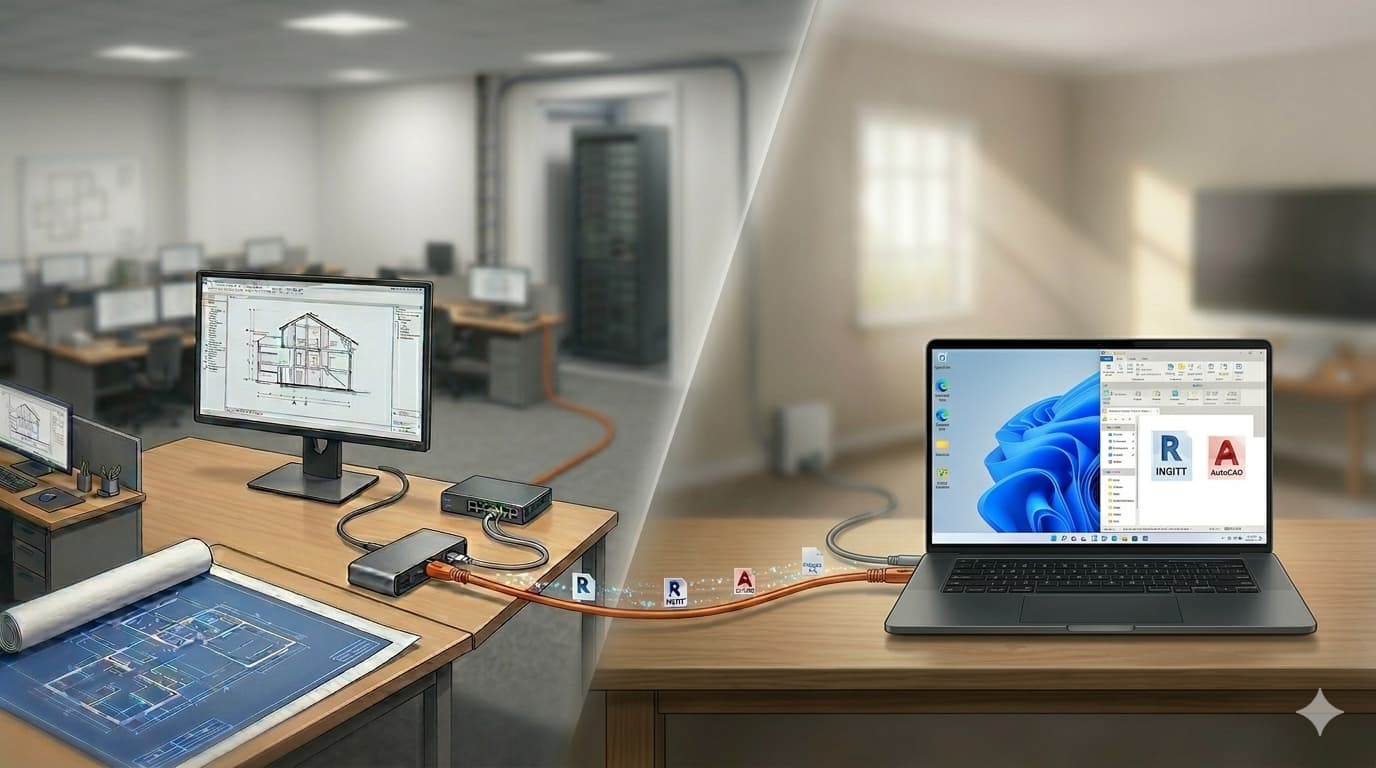
A virtual extension cable from the office to your home.
Your laptop plugs in, pretends to be in the office, and opens the same files as if you were at your desk. Same Revit, same AutoCAD, same workflow — only the files travel from the office to wherever you are.
2. CDE (Common Data Environment)
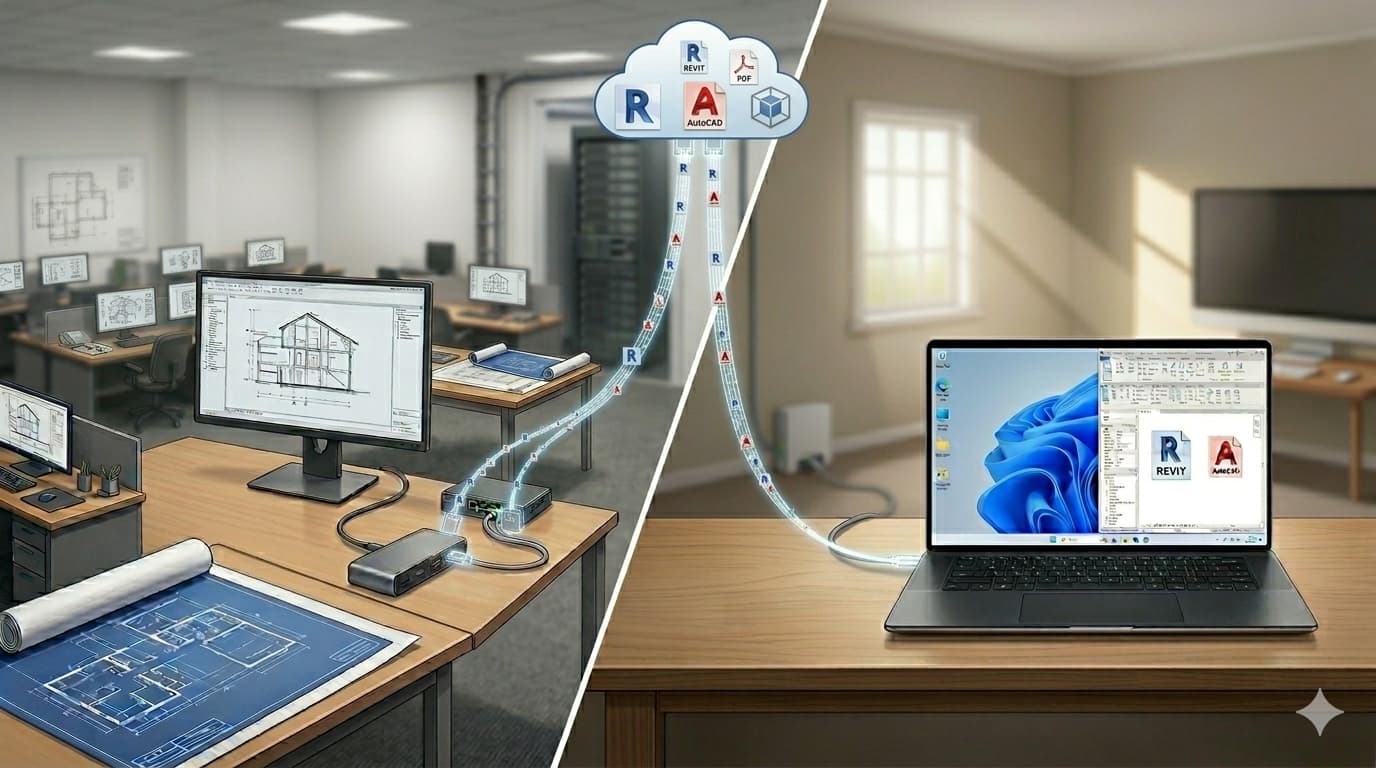
Dropbox for architects.
Architects, engineers, contractors and owners share one project folder in the cloud. Drawings, BIM models, contracts, revisions — all in one place, always current. The names you’ll meet: Autodesk Construction Cloud, Trimble Connect, Bentley ProjectWise.
3. Remote Desktop
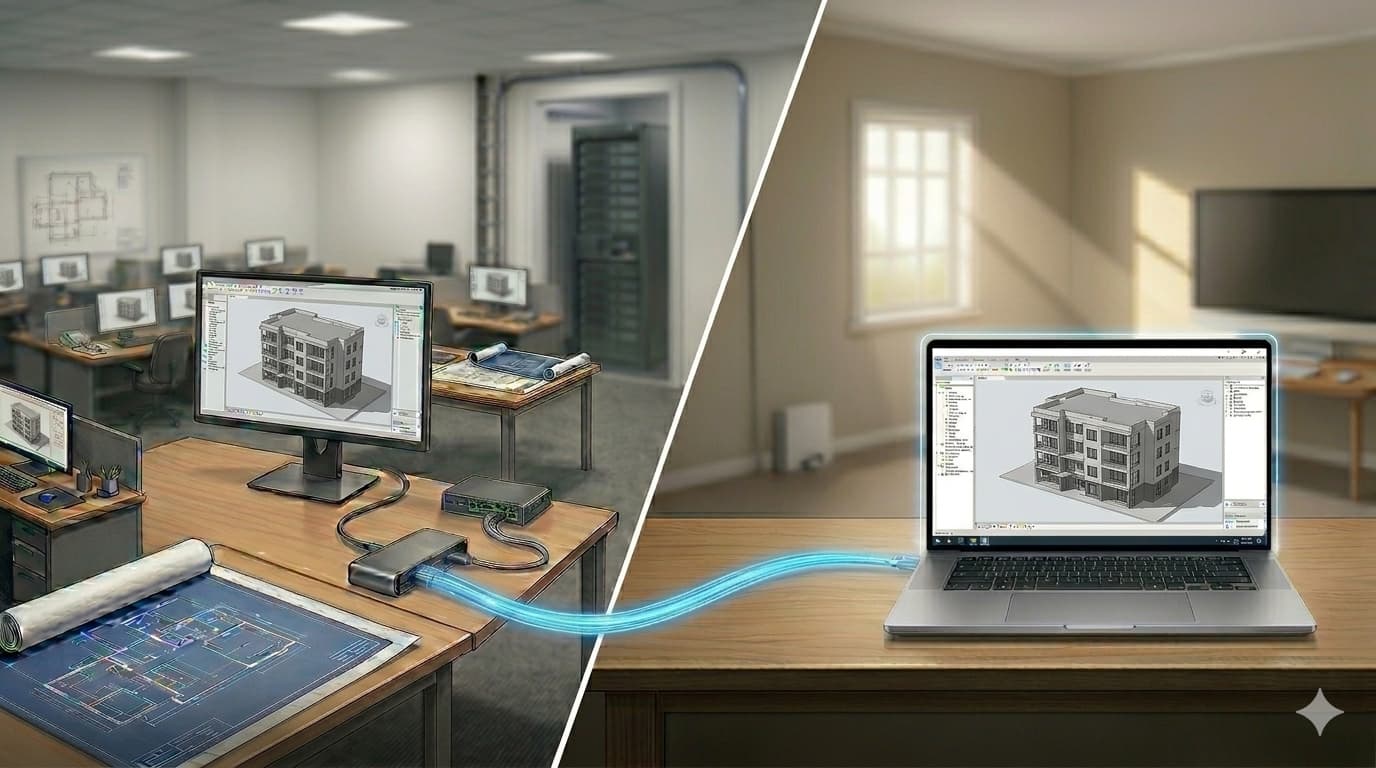
Work from one computer on another.
Yes, this sounds strange. You use one computer at hand — home desktop, laptop, tablet — to access another, the main one back at the office. All you need on top of that is “streaming” software. You’ve probably heard of TeamViewer or RDP (Remote Desktop Protocol). Alas, they don’t work with CAD. Thank god there is specialised desktop streamer software built for the job: Amazon DCV, Parsec, and the new-kid-on-the-block Phaze.
4. 1:1 remote workstation
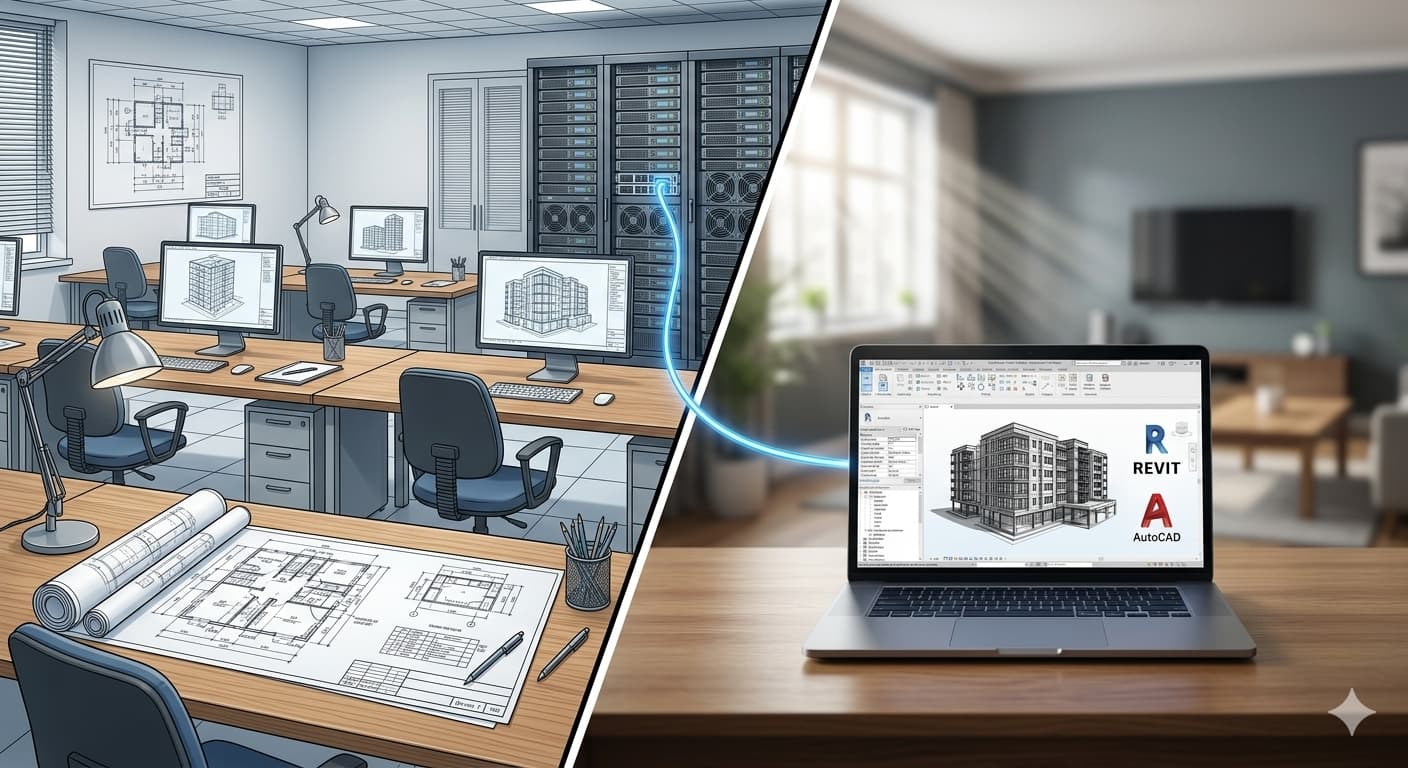
A CAD workstation without the desk.
Sounds like remote desktop, doesn’t it? The difference is that the machine you’re remoting into was purpose-built for the job — no monitor, no keyboard, no desk to sit at. It lives in a datacentre and is always on. This is often also called “1:1”, “bare metal”, or “headless”. Greg Corke at AEC Magazine has been tracking the category — his recent piece is the best place to start.
Stranger things: virtualisation
Before getting into the next three options, we need to add a second concept on top of “you work on a computer somewhere else”: virtualisation.
Picture an apartment block with studios, two-bedroom flats, and penthouses all under one roof. Each apartment has its own front door, kitchen, and furniture, while the building’s plumbing, electricity, lifts, and load-bearing walls are shared infrastructure that goes unnoticed from inside any one apartment.
Virtualisation does the same thing to computers. A single physical server is sub-divided into multiple virtual computers. Each one has its own Windows installation, its own applications, and its own files, and from inside any one of them it feels exactly like working on a real machine.
The natural question for an architect is whether the apartment is big enough for high-end CAD. The answer is that it can be: the operator decides how the space is carved up, and penthouse-sized apartments with the same horsepower as a top-end workstation are entirely possible.
That is the second concept, and the remaining three options all rely on it.
5. Self-hosted VDI
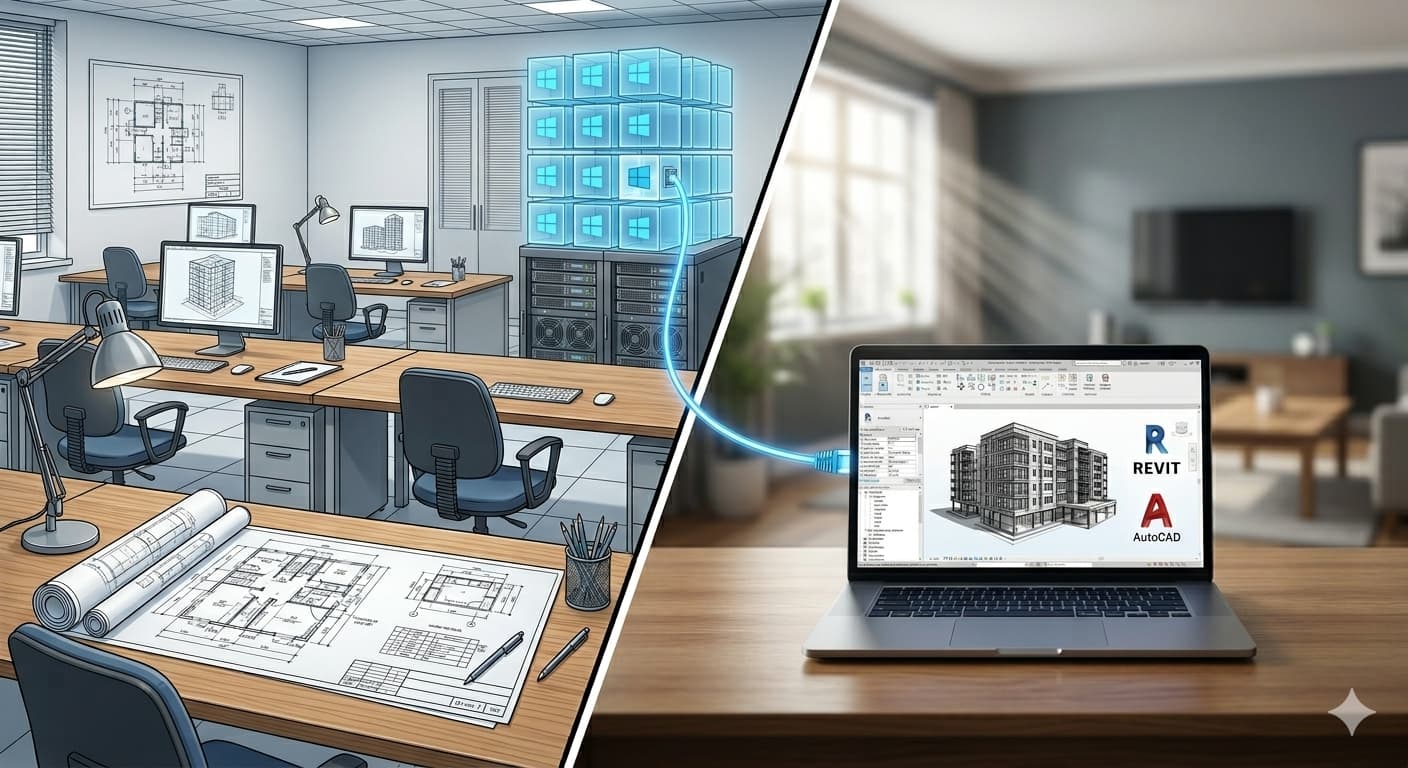
Sixteen office computers under one roof.
VDI is the apartment-block idea applied to office computers. We take one big server — much bigger than the 1:1 workstations from earlier — and use virtualisation to slice it into eight or sixteen separate computers. Each has its own Windows, its own applications, its own files. You connect to one of them and use it like you would the 1:1 workstation. Why bother? Same reason apartment blocks exist instead of sixteen single houses: cheaper to build, cheaper to run, and one team looks after the whole place. The two leading vendors are Citrix and Omnissa Horizon (formerly VMware Horizon).
Moving to the cloud
The next two options take the apartment-block idea one step further: someone else builds the block, and you rent an apartment in it.
Why build your own when you can rent? Same reason most firms lease their offices: faster to move in, easier to scale, and someone else worries about the boiler.
6. Azure Virtual Desktop (AVD)
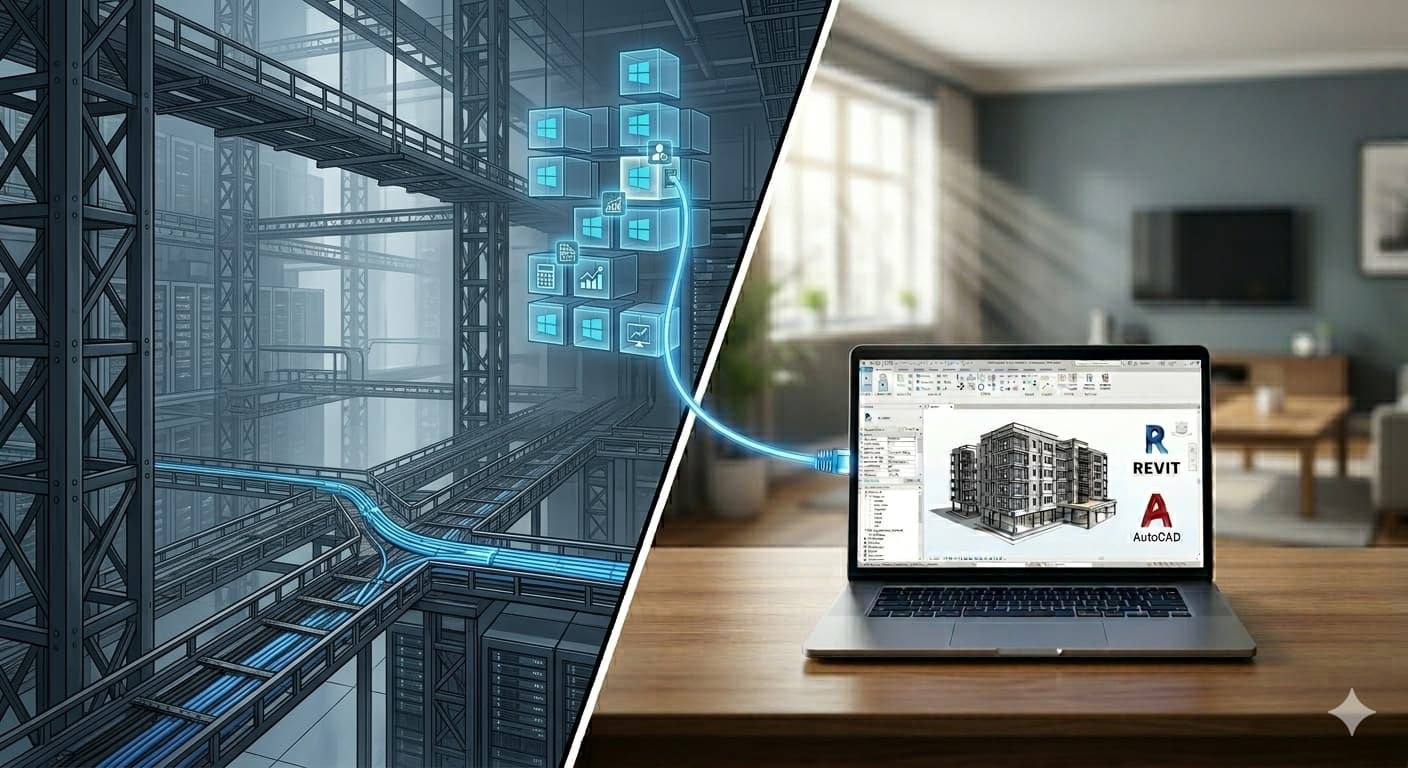
Lease the shell, fit out the flats yourself.
Microsoft’s Azure Virtual Desktop applies the commercial-real-estate model to computers. The lifts, the plumbing, the fire safety are theirs to maintain; your IT team fits out the apartments: Windows image, applications, user assignment. There’s real work in the fit-out, but the structure is someone else’s problem. The building suits a wide range of tenants — accountants, sales teams, customer support, in-house IT — and each tenant does their own fit-out.
7. Cloud workstation / Desktop-as-a-Service (DaaS)
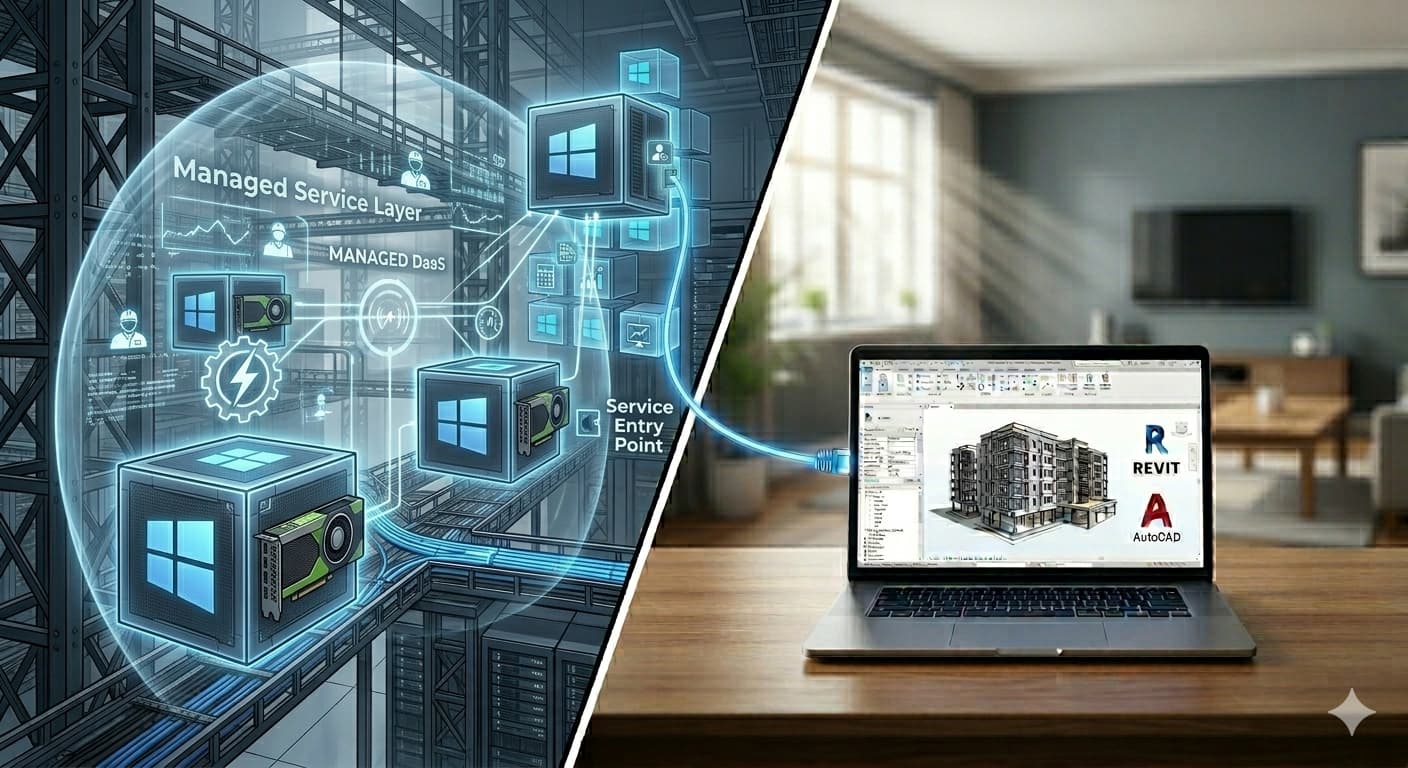
The walk-in flat for architects.
DaaS takes the apartment one step further: the vendor does the fit-out too. You sign in and start working — Windows, network, all ready. Some providers fit out for typical office life. Others build specifically for architects: a GPU sized for Revit, the right drivers, the plotter on the network. The names you’ll meet: Vagon, Shadow, Designair.
The remote future
The seven options run the gamut from a few hundred euros for a quick fix, to six figures to have it exactly how you want. You’re probably wondering which one is yours — and whether the one you’re already on is wrong.
In our experience, few firms have got this right in 2026. Many are still on VPN. Some think a CDE solves their remote problem. Others think 1:1 remote desktops are the state-of-the-art. And yes — we also get the occasional call from a prospect who isn’t a good fit for Desktop-as-a-Service, which is what we sell.
To do you a favour (and help us avoid awkward conversations), we built a quick tool to help you find the right setup. Try the Remote Setup Assistant on our homepage.